Lenzic
Optometry software and vision clinic software: a practical buyer guide
What optometry and vision clinic software must do, which features matter, and how to choose the right system for clinic and eyewear gallery.
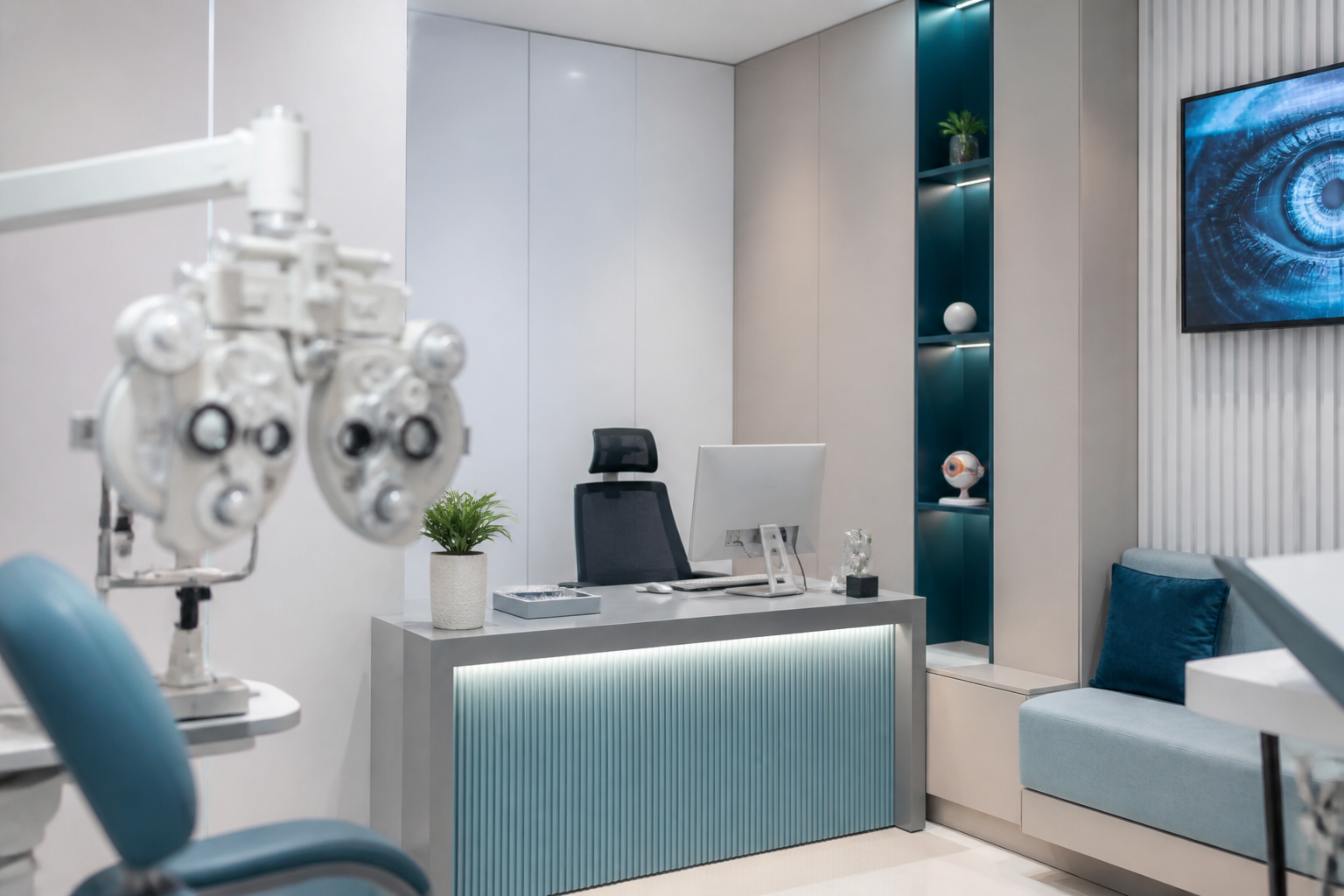
If you are searching for optometry software or vision clinic software, you likely want one system that records exams accurately and moves prescriptions into gallery sales without retyping powers. In many markets these labels are used interchangeably, but buying the wrong tool—generic eyewear accounting or a non-optical EMR—creates hidden remakes, crowded queues, and broken handoffs.
This guide explains what optometry software really is, what vision clinic software must cover, which criteria matter before you buy, and why combined exam-and-gallery centers need one integrated platform.
What optometry software is
Optometry software manages the patient journey: appointments, reception, doctor queue, exam documentation, final prescription, lens or contact-lens order, sales invoice, and follow-up balances. Unlike spreadsheets or chat apps, one shared record stays with the patient so reception, clinicians, sales, and managers work from a single source of truth.
If a product only prints invoices and does not understand Rx fields, you do not yet have real optometry software—you have a till. The difference is optical logic: distance and near paths, conversion checks, clinical reminders, and a direct link from finalized Rx to gallery order.
How vision clinic software fits
“Vision clinic software” usually means the same operational need: patient flow, exams, prescriptions, and often eyewear sales. In practice, the best vision clinic software is the platform that digitizes clinic workflow and, when you run a gallery, connects inventory and invoicing to the same chart.
So compare less on marketing labels and more on this question: can the path reception → exam → Rx → order → settlement finish without paper and messaging apps? If not, the product is not enough for a modern vision clinic.
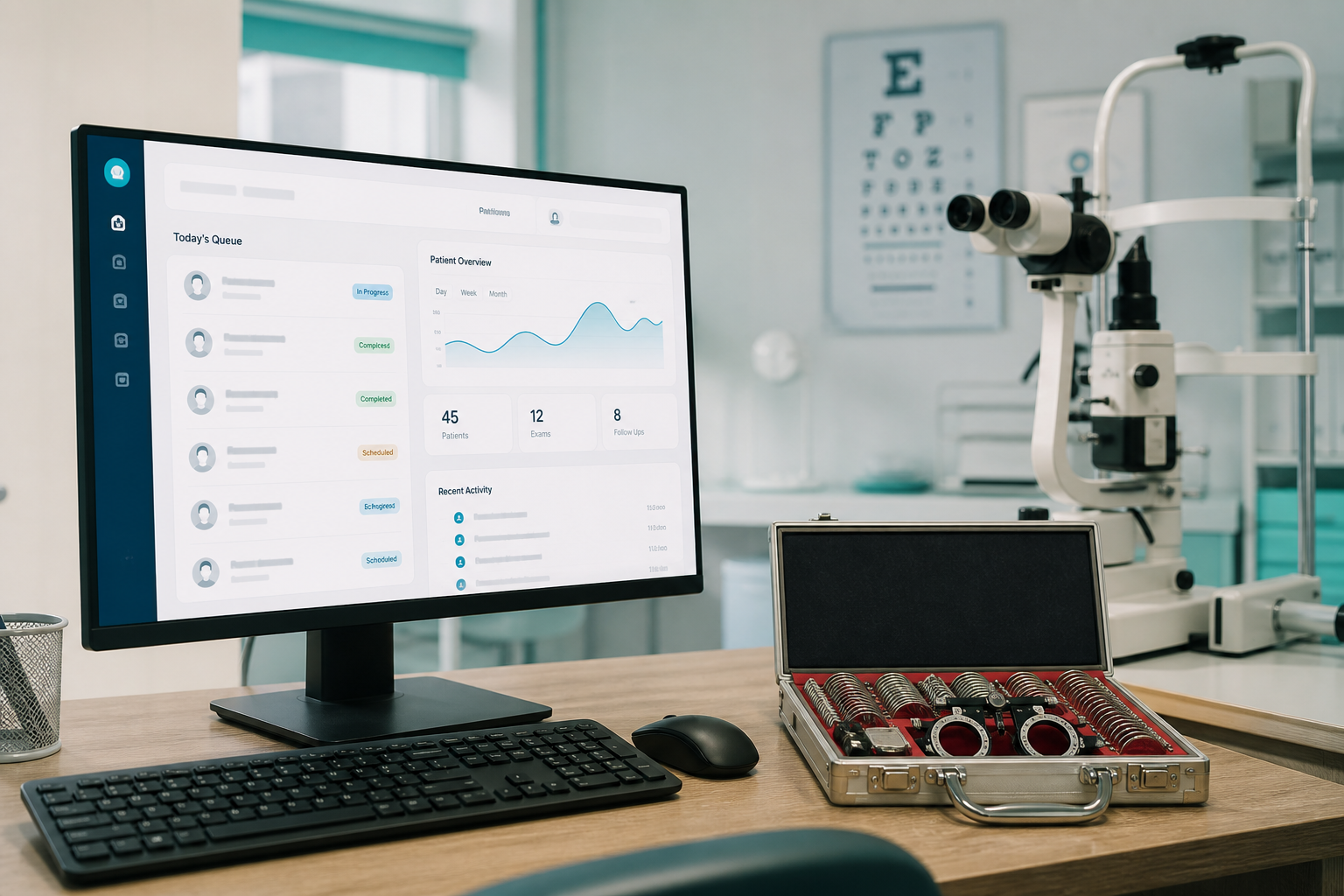
Must-see features in a live demo
Test these in a real demo—not a slide deck:
Fast check-in with doctor queue, standard optical Rx fields, conversion or power checks beside the exam, Rx handoff to sales without retyping, frame and lens selection from stock, invoice and payment status, patient debt and low-stock reports, and separated roles for reception, doctor, sales, and admin.
Any loop that still happens outside the system becomes your next error point. Good optometry software shortens daily work; it does not add more forms on paper.
Common buying mistakes
First, comparing only on upfront price. Cheap software that mishandles prescriptions pays for itself in remakes—against you. Second, buying generic medical software without optical modules. Third, skipping role-based onboarding; even strong vision clinic software fails without proper rollout.
Fourth, opaque pricing. A clear setup fee plus annual renewal is often easier for owners to understand than vague monthly bundles, because purchase and ongoing hosting/support stay distinct.
Why clinic and gallery need one system
When exams live in one tool and sales in another, powers get retyped, history fragments, and managers cannot see how many exams convert to orders. Integration means the doctor’s final Rx becomes the gallery order basis, stock moves with the sale, and profit reporting stays closer to reality.

Lenzic: cloud optometry software for clinic and gallery
Lenzic is built for that gap: optometry software and vision clinic operations in one cloud. Reception builds the queue, doctors record exams and prescriptions, sales closes orders without rewriting powers, and management sees inventory and financial status. Pricing follows setup plus annual renewal so owners know what they pay for deployment versus ongoing support.
If you are comparing vendors, judge them with one full journey: a fictional patient from appointment to invoice. The vision clinic software that cuts mistakes and patient ping-pong wins—not the longest feature list.
FAQs about optometry software
Is eyewear accounting enough?
For stock and invoices maybe; for exam and Rx flow usually no.
Should you enable every module on day one?
Start with reception, exam, and sales, then turn on advanced reports.
Does it work for multiple users and devices?
Yes when the product is cloud and role-based.
Closing
For daily operations—not just ads—optometry software must unify the patient path, and vision clinic software must understand Rx and sales logic. The final test is simple: less rework, fewer remakes, clearer reports, and a more aligned team. If you are ready for a practical comparison, request a live demo with your own clinic flow and use that as the decision baseline.
For buying criteria, read the clinic software buyer’s guide or request a demo via contact.