Lenzic
From WhatsApp booking chaos to online appointments for optometry clinics
Move optometry clinic booking off WhatsApp chaos—online appointments with charts that open at check-in. See it in a demo.
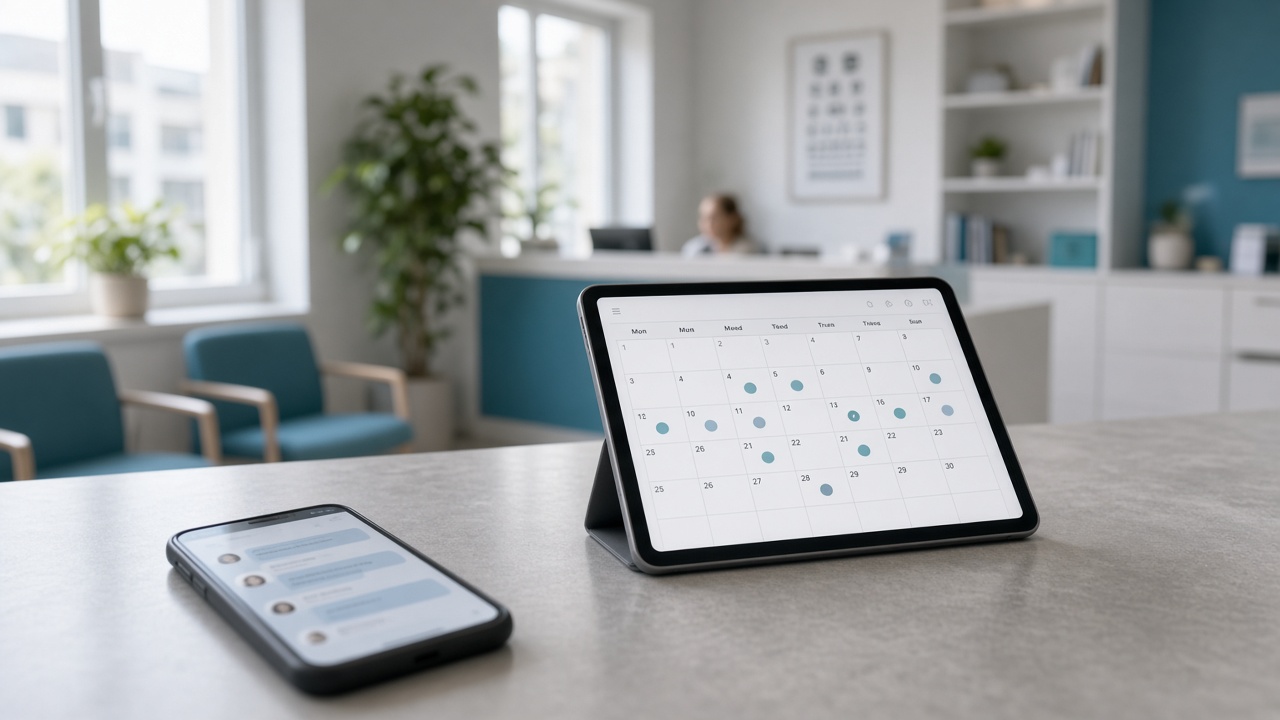
Front desks in many optometry clinics still take appointments over WhatsApp, phone, and paper. Messages get lost, times collide, and patients ask “when should I come?” while staff dig through chats. This article is for clinic managers and reception leads — not eyeglass shoppers — and helps you choose a booking path before you book a demo.
Request a free demo on getlenzic.com.
Start with the EN checklist: Best optical clinic software checklist. Deeper buyer context: Optometry clinic software buyer’s guide.
If you also run an eyewear gallery, read: Optical clinic + eyewear gallery in one cloud.
Why WhatsApp breaks clinic scheduling
WhatsApp is fine for quick messages. It is a weak queue for appointments:
- Several people reply at once and times collide
- “Who showed / who no-showed” is hard to audit
- There is no clean link to the chart or the gallery sale path
- History lives in personal chats, not the clinic system
- End of day: no simple “booked vs arrived” report
When volume rises, chat stops helping and becomes the bottleneck. Phone calls often repeat the same pain — “Do you have a slot?” — with no single source of truth for the day.
What online booking actually reduces
Scheduling in a system (patient link or reception panel) usually reduces these frictions — if you verify them in a live demo:
- Repeat “any openings?” calls
- Manual retyping from chat into a diary
- Ambiguity about who is present on visit day
- Dependence on one person’s memory at the desk
We do not promise “zero no-shows” or “100% full days.” The right bar: traceable appointments, less friction for reception, and clear status for the team.
Locked product fact: reserved appointment, chart at check-in
Ask to see this live — not only hear it:
- The appointment is reserved — patient or reception has a firm time
- The chart opens at check-in — the full chart does not open for the next clinical path until the patient arrives
That split keeps a busy desk from creating half-built charts. In the demo say: “Walk one appointment through check-in.” If today is explanation-only, mark it and do not treat it as shipped.
Why keeping the chart closed until check-in matters on a busy desk is unpacked in Patient chart opens at check-in.
Treat this as an operational criterion on top of the buyer’s guide. Booking is not a feature checkbox; it must attach to the real day of the clinic.
QR / booking links for patients
If you want fewer inbound calls, ask in the demo:
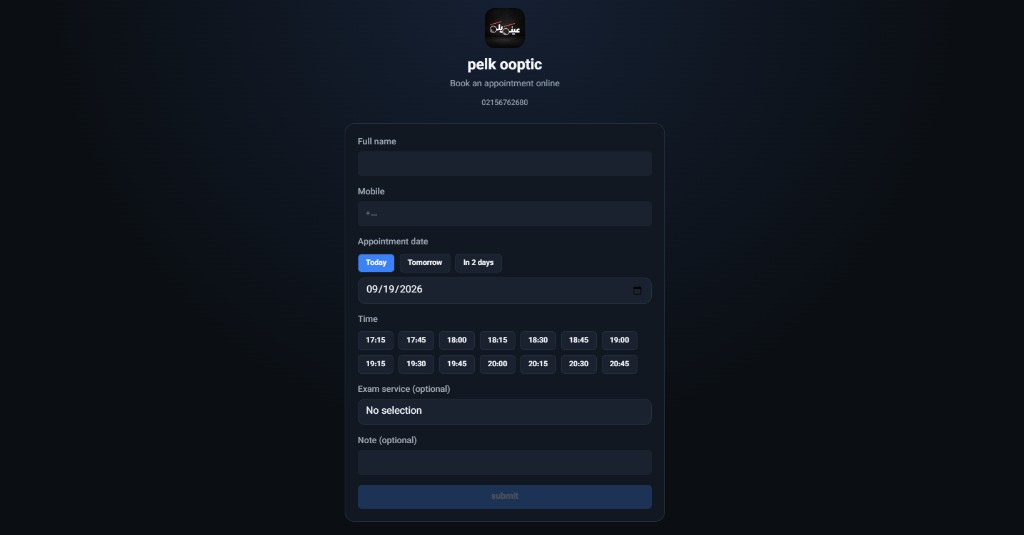
- Is there a patient booking link or QR?
- How does reception see status after a reservation?
- How is a no-show closed?
- Can patients reschedule themselves, or only staff?
For self-serve QR booking and what reception should see after a reservation, read Clinic online booking with QR.
Deeper QR content can land later in the cluster (supporting — TBD). This page only sets the buyer questions.
Migrating off WhatsApp without a shock week
Overnight cutovers usually fail. A practical path to discuss in the demo:
- Week one: still take calls, but log every appointment in the system — not only in chat
- Next: share the link/QR with returning patients or the clinic’s message list
- After it sticks: WhatsApp for exceptions; the main queue lives in software
Success metric: fewer “when do I come?” messages and clearer desk status — not deleting chat on day one.
Demo prep: three vendor questions
- Where is an appointment created — reception, patient link, or both?
- From booking to check-in, when does the chart open?
- If you also have a gallery, how does booking connect to the sale path? See clinic + gallery in one cloud.
Then open getlenzic.com and request a free demo. Contact: `/contact`.
(Assumption — confirm on site:) follow-up after submit may be about one business day; live site copy wins if it differs.
---
Bottom line: If booking still lives in WhatsApp, fix traceability first — then the rest of the software checklist. Start the demo with “appointment to check-in,” not a feature slide deck.